
Wi‑Fi 7 vs. good engineering: what actually matters in a smart home
Wi‑Fi 7 makes headlines, but premium projects win on design: cabling, AP placement, channels, PoE, and segmentation. A guide for homeowners in Ecuador.
Every new Wi‑Fi standard comes with a promise of “everything faster.” In practice, for a high‑performance smart home, the bottleneck is rarely “just the ISP’s latest router generation.”
What drives the experience most
- Placement and count of access points
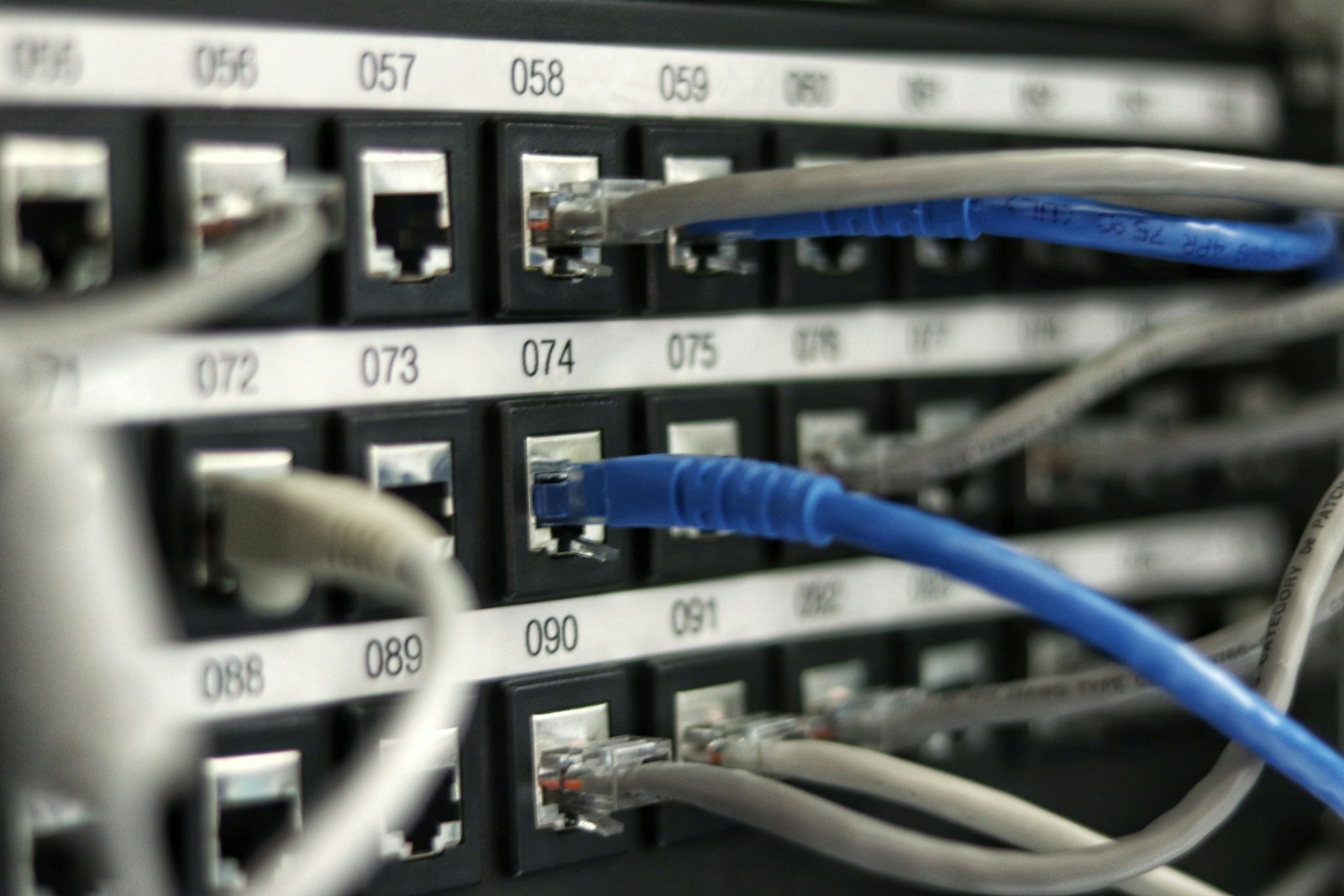
- Cabling (ideally Cat6A where it fits) to each AP
- Logical separation of networks (guest, IoT, work)
- RF challenges and building materials (metal‑coated glass, walls, layout)
Wi‑Fi 7: when it actually helps
Wi‑Fi 7 can help when you have:
- Many simultaneous clients
- Heavy sustained traffic (video, backups, transfers)
- Good end devices that actually support the standard
If your home has dead zones, a new standard alone almost never fixes it—you fix it with design.
The DomuLab line (one sentence)
“Infrastructure first, pretty brands second.”
A premium project should survive cameras, audio, automation, home office, and guests… without everything fighting for the same airtime.
Field mistakes we see often
- One AP for three floors “because the router is powerful”
- Cheap IoT mixed in with no VLANs and no update policy
- Rack gear installed without thinking about temperature and airflow
Conclusion
Wi‑Fi 7 can be part of the plan, but the 2026 trend in serious projects is network as a system: measurable, documented, and maintainable.
If your project is still on paper, a timely network review usually costs a fraction of fixing it after finishes. At DomuLab we cover that under networking & connectivity; book a review with your drawings.